02 / 08
Your project at a glance.
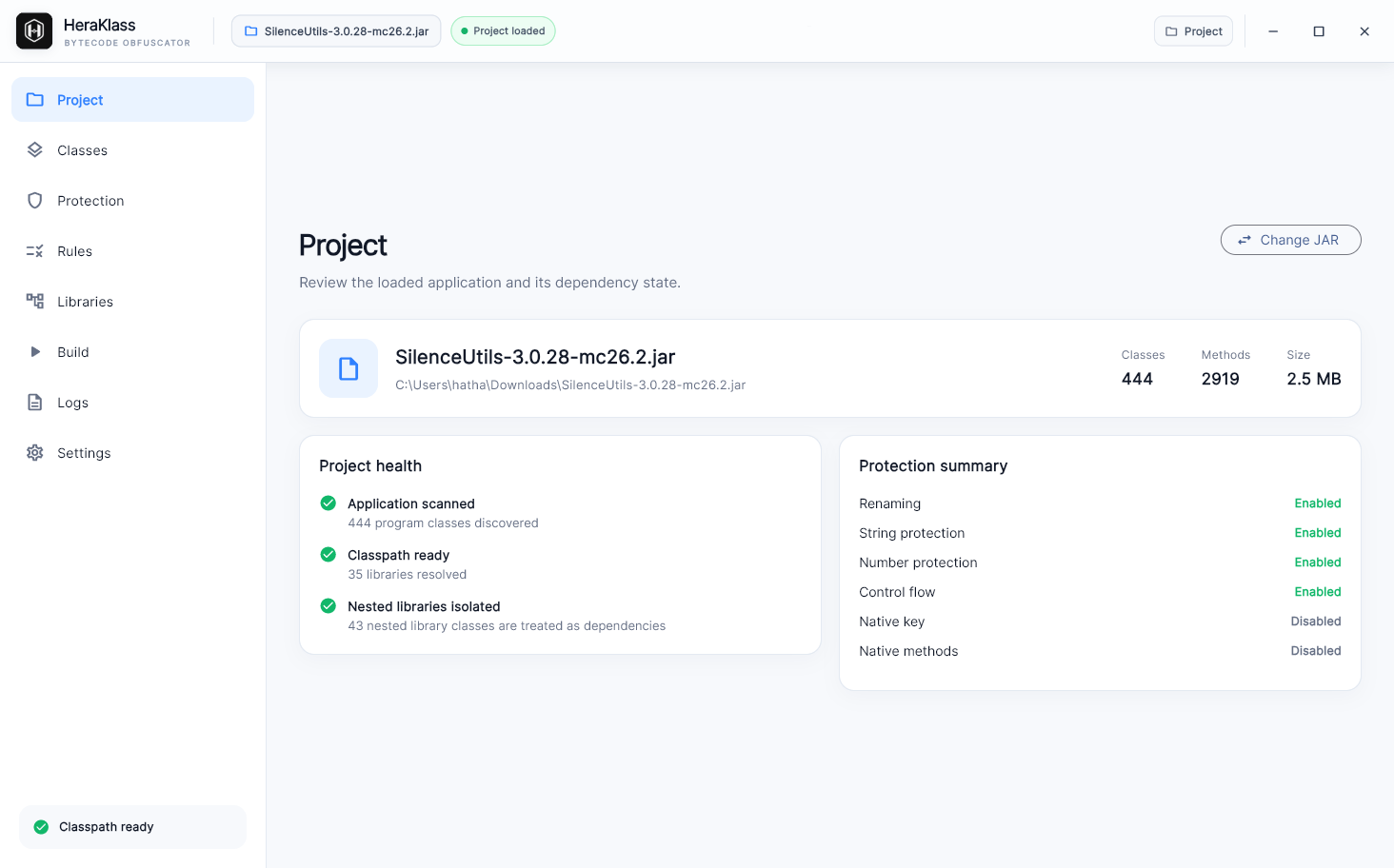
Review class and method counts, dependency status, and enabled protection options on the project screen.
HERA KLASS / JAVA BYTECODE
Open a JAR, choose protection options and rules, and build your output. Hera Klass brings the Java bytecode protection workflow into one interface.
Explore the workflow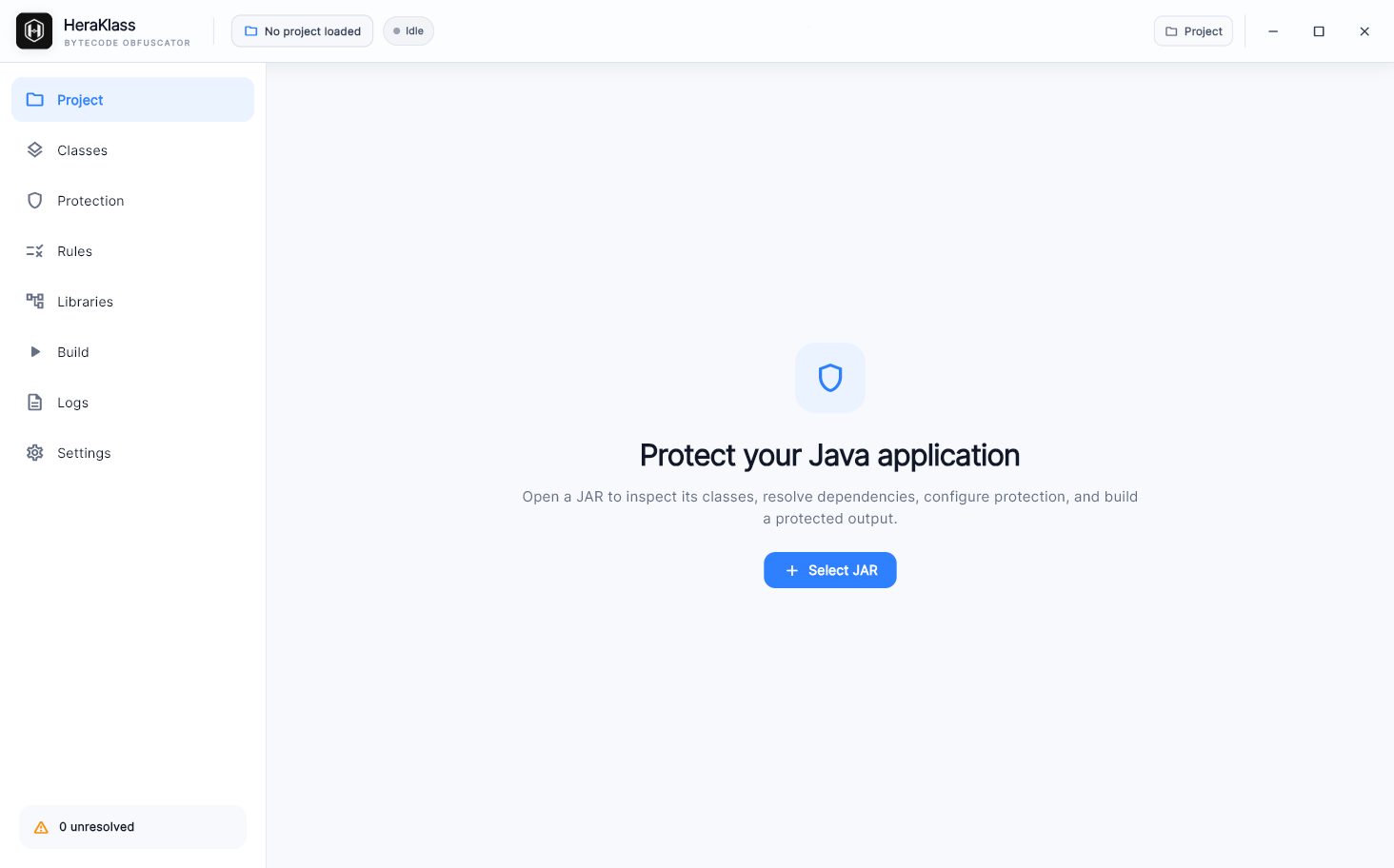
THE WORKFLOW
Review class and method counts, dependency status, and enabled protection options on the project screen.
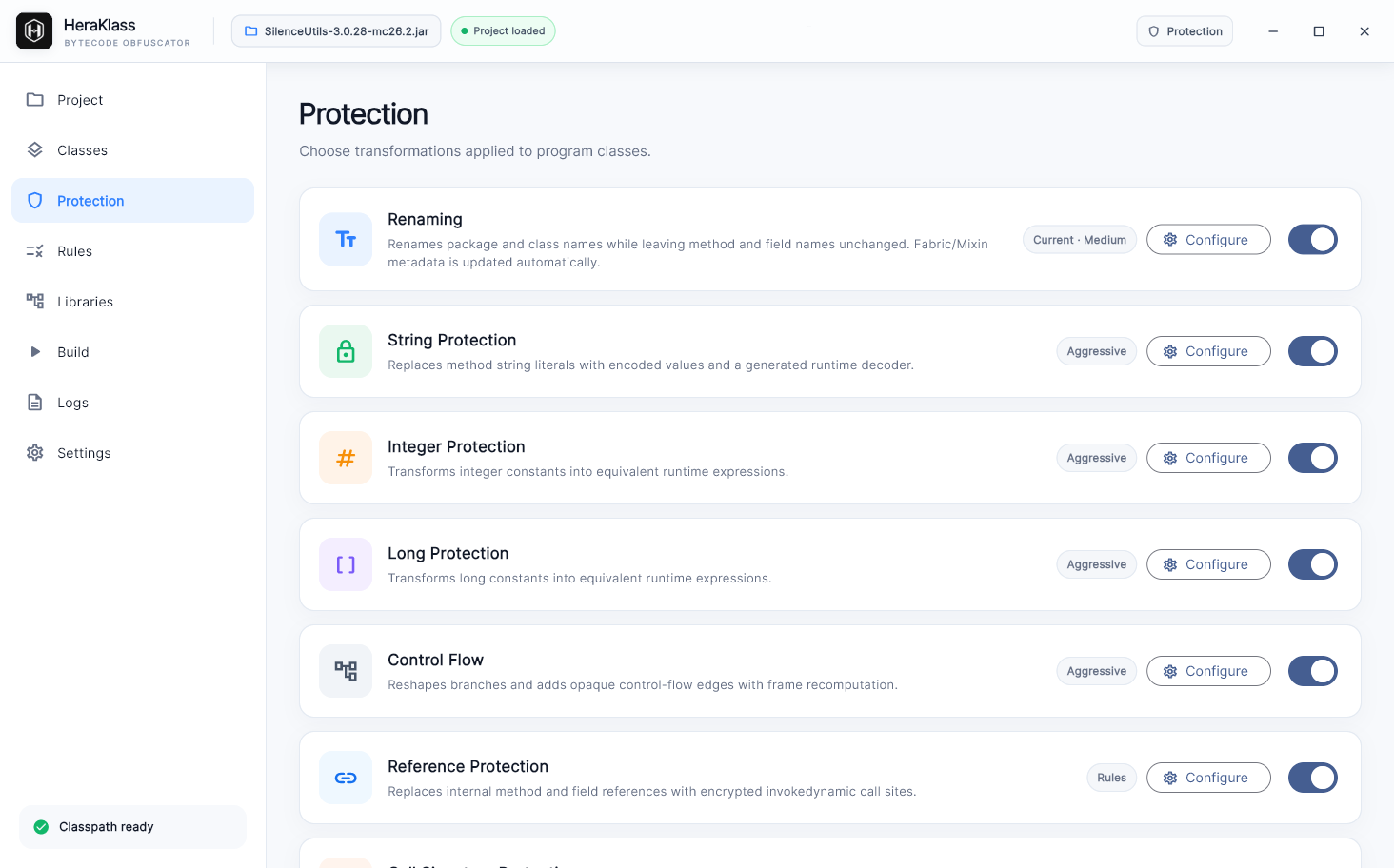
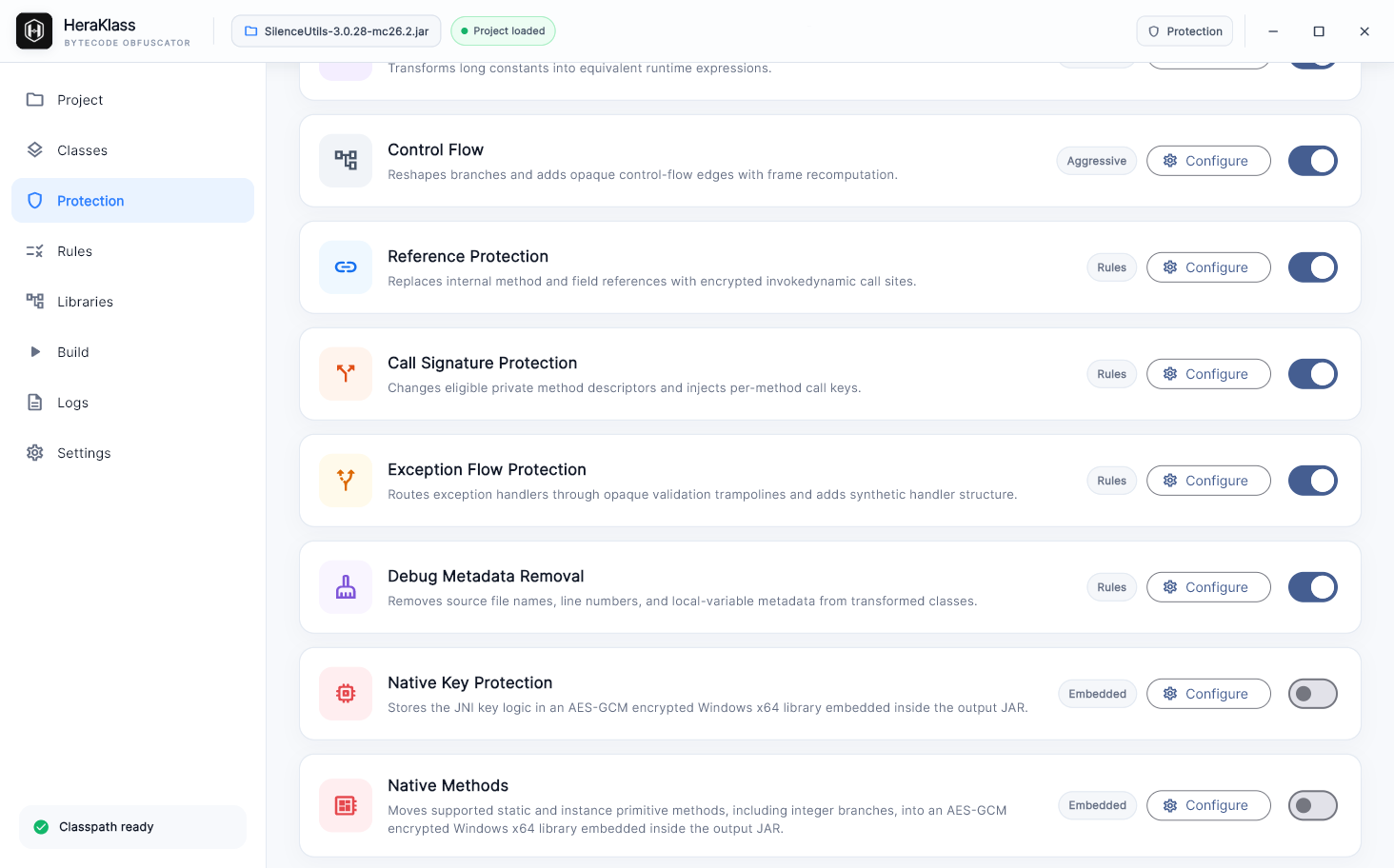
Read the description of each transformation, from renaming to string, number, and control flow protection, and enable them individually.
Configure reference, call signature, and exception flow protection, plus debug metadata removal. Manage native key and native method options in the same view.
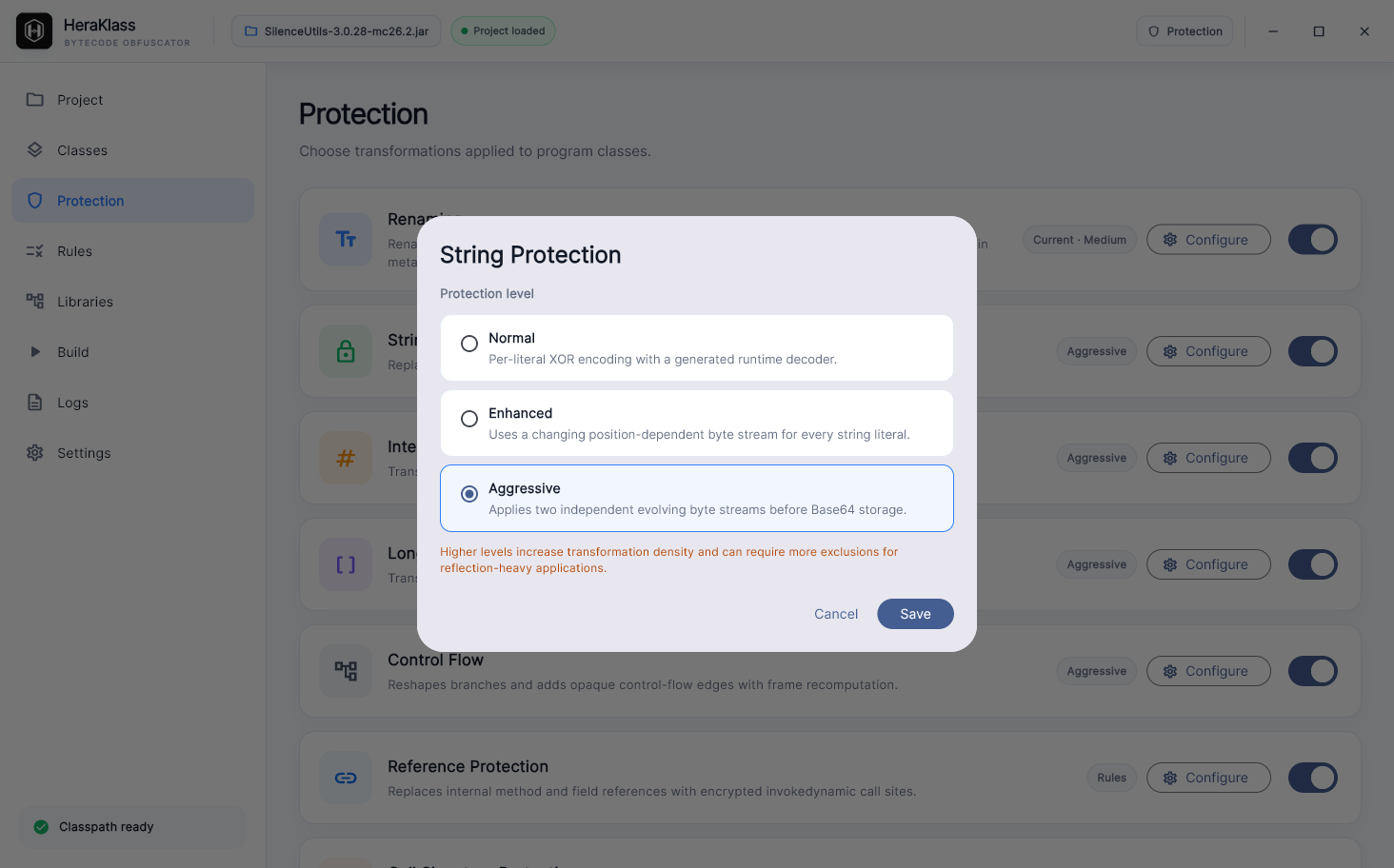
Open Configure to adjust a feature. For string protection, compare Normal, Enhanced, and Aggressive levels before choosing.
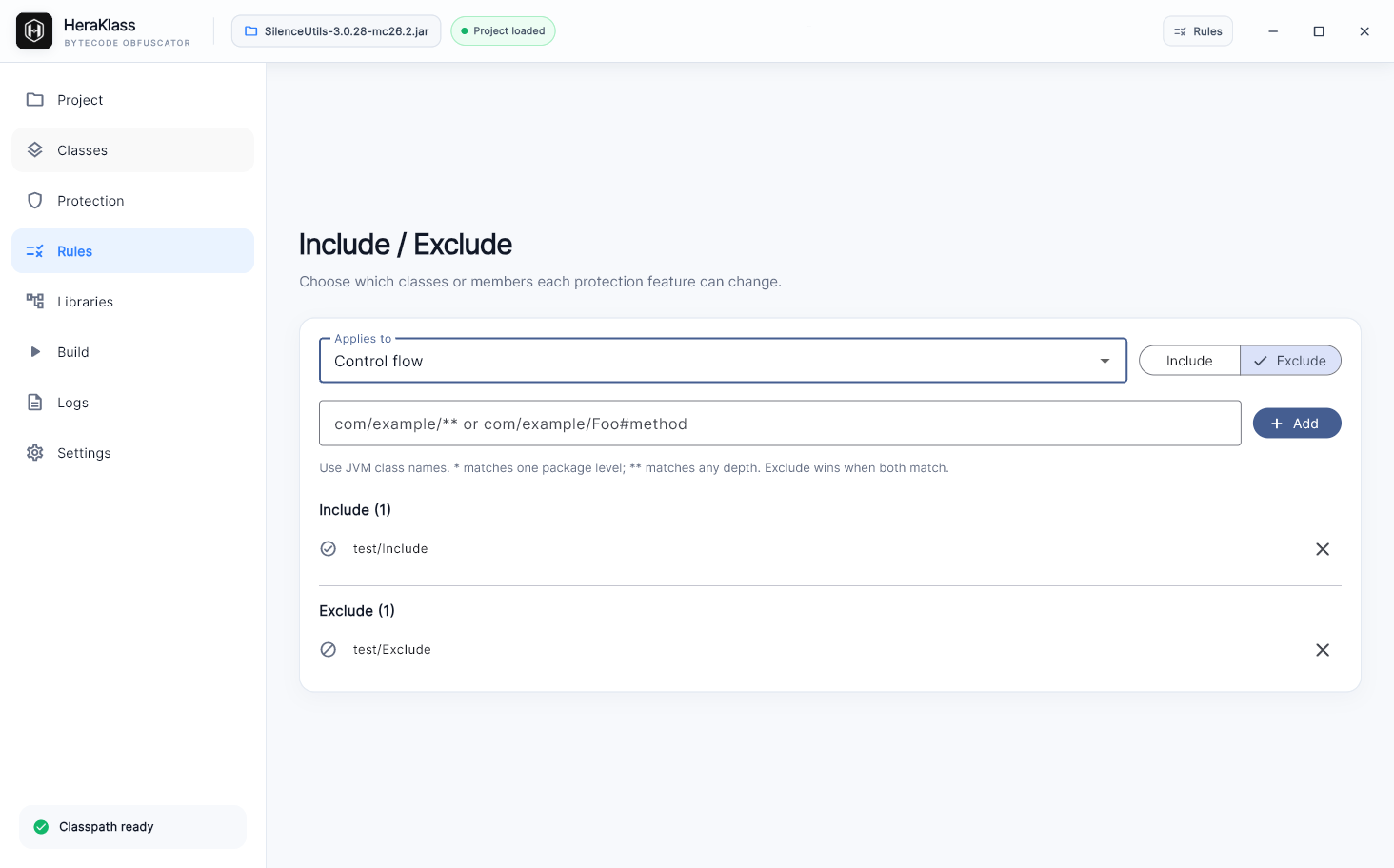
Use per-feature include and exclude rules to target classes and members. Package patterns are supported, and exclusions take precedence when rules overlap.
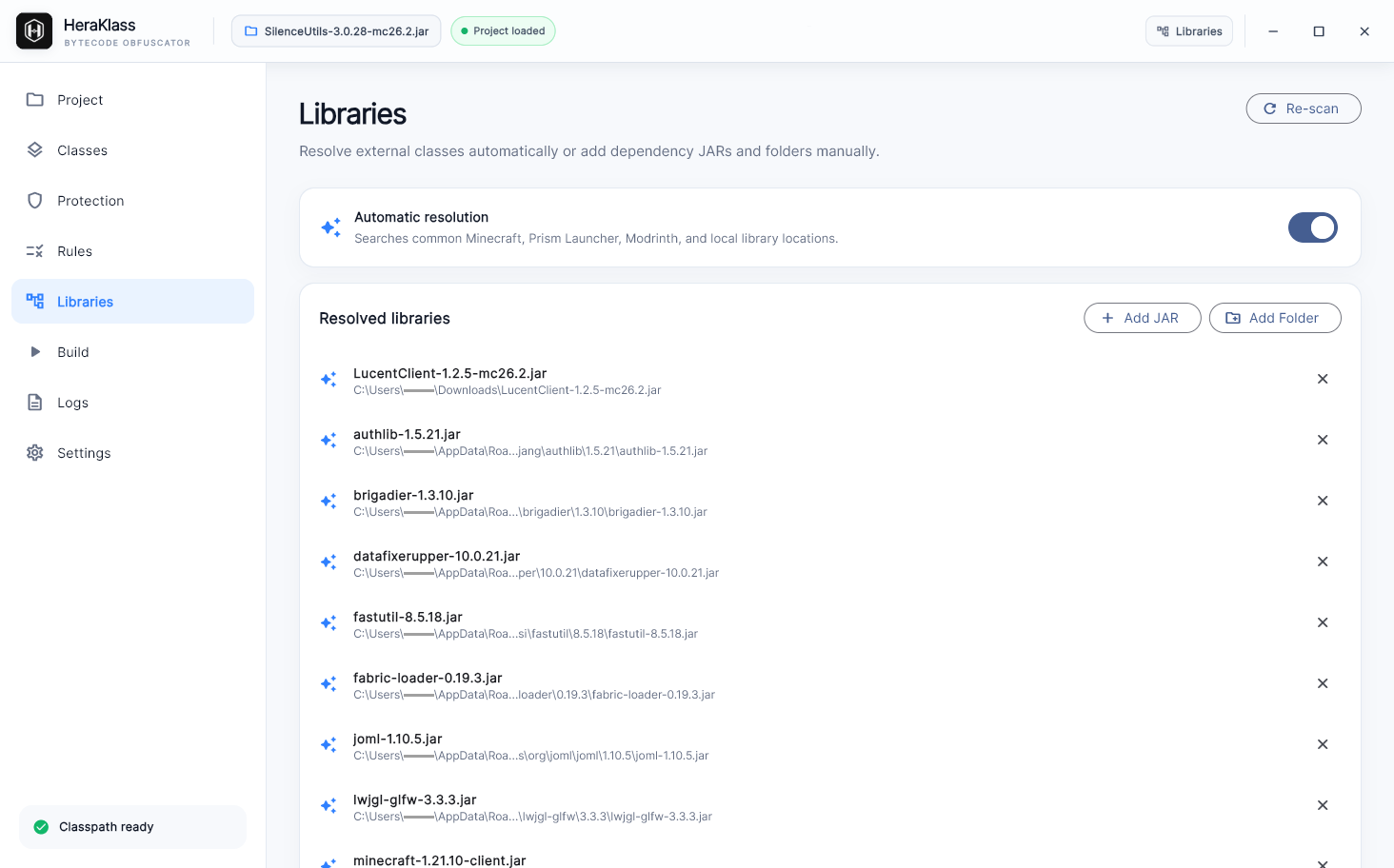
Review automatically resolved libraries and add JARs or folders manually. Rescan to update the dependency list.
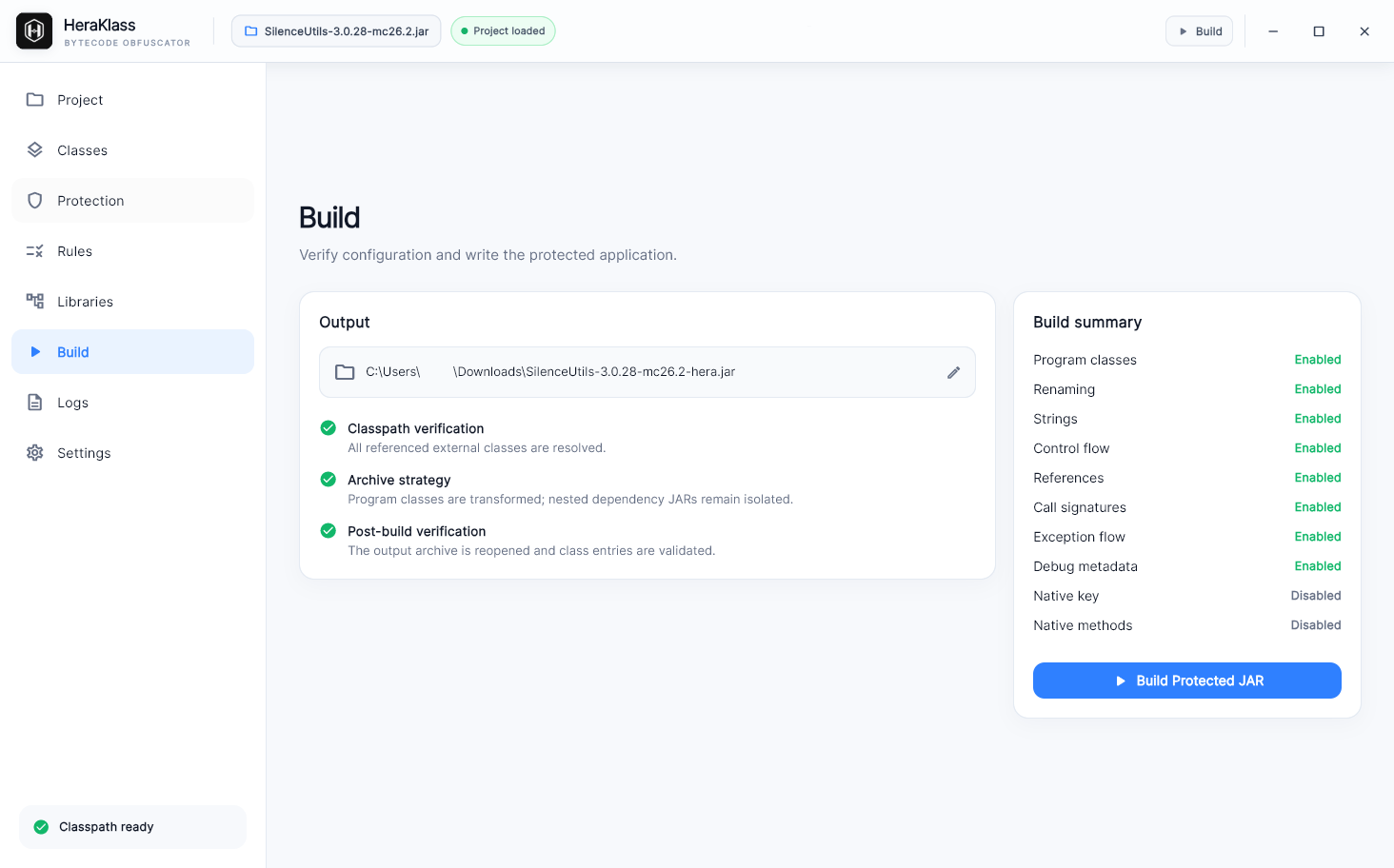
Review the output path and protection summary, then build the protected JAR. Classpath, archive handling, and post-build verification are listed alongside the configuration.